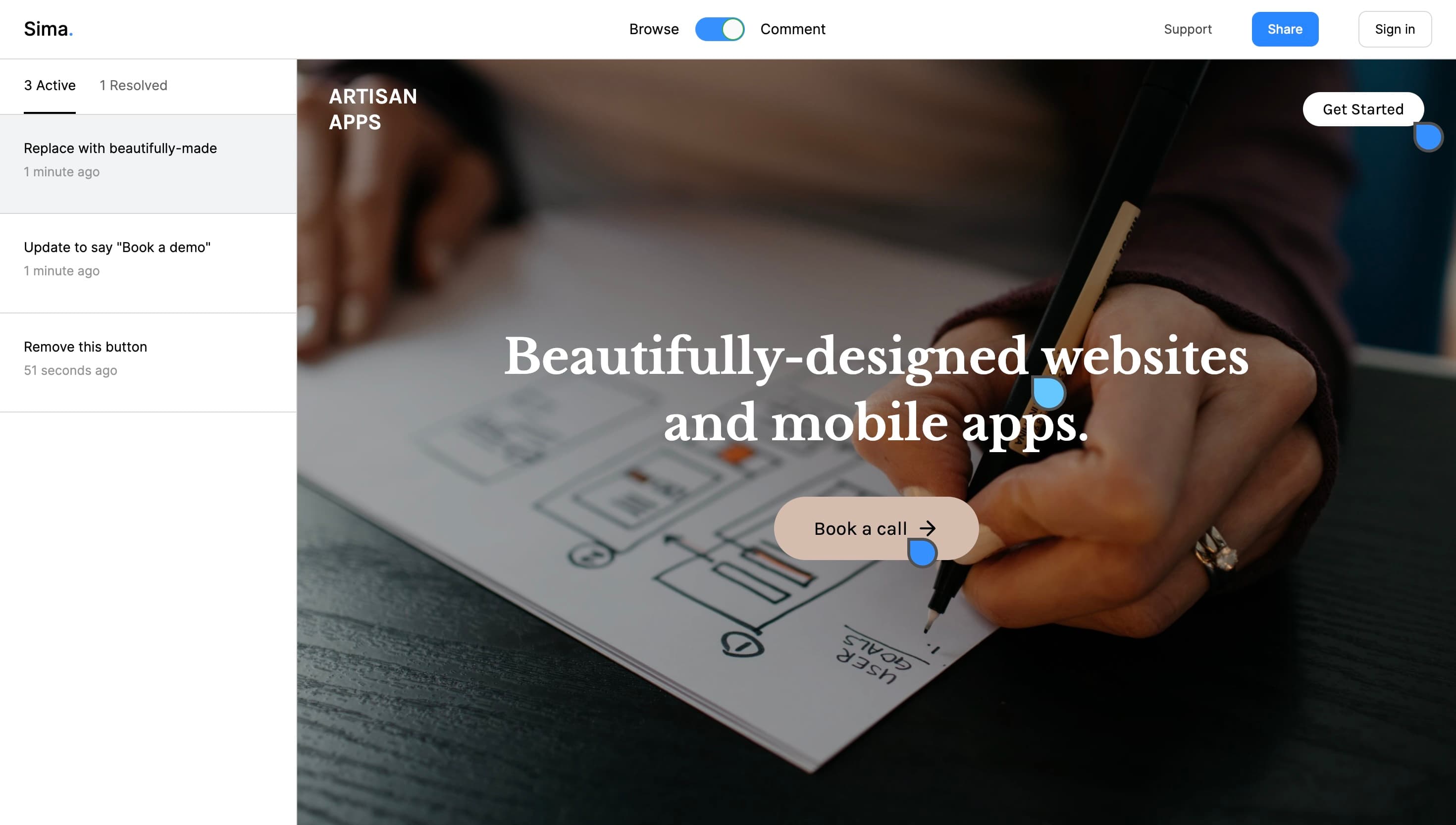
Choosing between Sima and Pastel? Both put feedback directly on a website and let clients join the conversation without creating an account. The choice comes down to the work you need to review.
Website feedback, or a wider creative review workflow?
Why Sima
A shared space for website feedback.
Give clients a place to point to a detail, explain a change and reply in context. Keep attachments and discussions with the page, then resolve comments as the work moves forward.
Choose Sima when your main need is a focused website review with straightforward client sharing.
Why Pastel
Pastel at a glance.
Pastel brings websites, PDFs, images, marketing emails and videos into its canvas workflow. Its review tools include versions, approvals and feedback deadlines.
Consider Pastel when a campaign needs review across several formats, or when formal approval rounds are central to your process.
Sima vs Pastel, side by side.
Compare the experience your team and clients need.
Website feedback workflows compared
Your workflow
Sima
Pastel
Website comments
Pin a comment to the page, discuss it in a thread and resolve it.
Comment directly on a website canvas, reply and resolve feedback.
Client access
Share a project review link; guests can comment without an account.
Share a canvas link; clients can comment without an account or installation.
Review workflow
Keep website discussions together with replies, attachments and resolved comments.
Use canvas versions, approvals, labels and feedback deadlines.
Beyond websites
Start with the website review you need to complete.
Dedicated canvases for PDFs, images, marketing emails and videos.
Sima’s screenshot evidence is optional and may be unavailable on some pages. Try your actual website to check review compatibility.
A few useful details.
Can clients review without signing up?
Yes, both Sima and Pastel support client feedback without creating a reviewer account. Compare the review workflow and supported formats when deciding.
How should I compare pricing?
Check each product’s current plans for the users, projects and features you need. Compare the same billing period and check which features require a higher plan. See Sima pricing.
Can I move an existing project to Sima?
You can start a new Sima project for your website and share a review link. There is no automatic import of existing Pastel comments; keep any feedback you need before switching.
Less back and forth
Give your next review a home.
Start with your website. Share a link. Get feedback where it makes sense.