Figma Code Layers makes the interaction part of the design review
Sima editorial · 11 November 2026 · Analysis · Release announced 15 October 2026
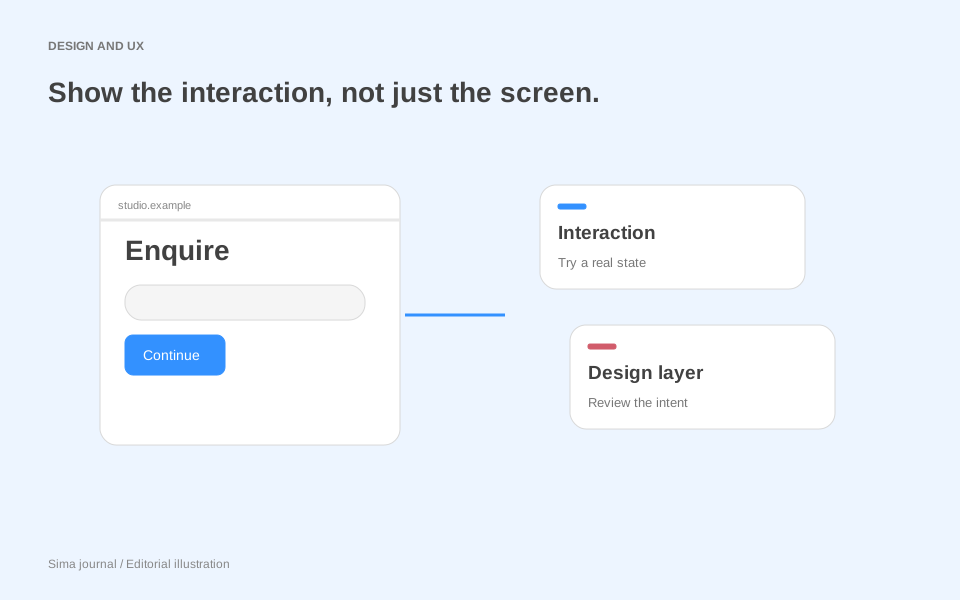
A form can look settled until someone changes their mind halfway through it. Select “commercial project”, enter a company name, then switch to “home renovation”: should the company field disappear, should its contents survive, and should the final summary mention it? Those are design decisions that a neat row of screens can leave unresolved.
Figma’s Code Layers open beta, announced on 15 October 2026, puts running prototypes directly on the shared design canvas. Teams can duplicate a prototype, explore another direction and compare the versions together. For an agency, the interesting opportunity is to make the client’s conversation about behaviour as concrete as its conversation about typography.
Two versions of the same enquiry
Consider an illustrative redesign for an architecture practice. Its existing enquiry form asks everyone the same questions. The agency proposes tailoring the questions to the type of project, but the client worries that visitors may choose the wrong category.
Build two versions around that disagreement. In “choose first”, visitors select a project type before seeing the relevant fields. In “describe first”, they write a short description before choosing a category. Give both versions the same copy, fictional examples and confirmation screen so incidental polish does not decide the argument.
Then introduce the awkward case: a shop owner planning a flat above the business. Ask the client to work through both versions as that visitor. The useful discussion is whether either route forces a false choice, and whether “mixed use” deserves its own option. A working interaction gives the client something to interrogate; it does not establish which version real visitors will understand best.
The agency brings a visible alternative and the business assumption separating it from the proposed answer. The resulting decision might be a new category, a clearer explanation or a simpler form—not necessarily more interaction.
Start from the material you already have
Code Layers offers several entry points. Existing Figma frames can become an interactive prototype; supported code can arrive from GitHub or a local folder; and Figma’s Chrome extension can capture a webpage as a code layer. The launch announcement also describes imports through the Figma MCP server; that route requires a Full seat, according to the help guide.
For the architecture example, starting from approved design frames would keep attention on the disputed sequence. If the agency already has a small frontend prototype using the client’s components, importing it could make the comparison closer to the eventual build. Choose according to the question: matching established validation behaviour calls for different starting material from exploring a new visual direction.
For the frame route, select a frame, choose Code in the toolbar and use Build selection. Use Play to interact; request changes through the agent or open the code editor. These controls are covered in the Code Layers guide.
A useful prompt for the illustrative form would specify the disputed behaviour: “When project type changes, retain shared answers, hide irrelevant fields, and show only relevant answers in the summary.” That is a much more reviewable instruction than “make this form smarter”. It also gives the team something specific to inspect when the generated version is ready.
Pull the revealing states back onto the canvas
A running prototype can conceal details simply because they appear briefly. An error message may be hard to compare with the next screen; a summary may show an answer that should have been removed.
Figma’s Extract designs feature can capture the current state, a selected element or a recorded flow as editable design layers. Changes to those layers can then be pushed back to the code layer. These options are documented in the extraction guide.
For the enquiry prototype, extract the category choice, the changed-category state and the summary. Place them together and trace one answer across all three. Does the label remain consistent? Does hidden information reappear? Can the visitor understand what will be sent?
This is where visual editing and behavioural review reinforce each other. The client can discuss the sequence while the designer checks the exact words and spacing of its consequences. Keep the reason for the chosen behaviour beside those frames; our Figma Specs analysis explores how written context can accompany the design.
Decide how the experiment reaches engineering
GitHub imports and local uploads have different futures. Figma’s Git documentation supports branches and pull requests for connected repositories. Local folder uploads cannot push, pull or open a pull request; public-repository clones made via URL without a GitHub connection also cannot push or create pull requests. Supported repositories must contain a runnable frontend web app; private npm packages and repositories requiring private network access are excluded.
For an agency, that is a reason to check the intended handoff before choosing the import route. A separate prototype can communicate an agreed interaction perfectly well. If code is intended to return to the client’s repository, assign a developer to review the resulting changes, including assumptions introduced to make the prototype run. Client approval of the flow is a design decision: the live enquiry still needs server-side validation, delivery checks and accessibility testing. A convincing confirmation screen proves none of those on its own.
There is also a concrete sharing consideration: Figma says file viewers can see the prototype preview and the preview’s source code; editors can see the underlying Git-level source even without GitHub permission. Check the file’s audience before importing client code. Our client website review guide covers the wider review conversation.
Availability and scope
Code Layers remains an open beta. The help page lists Starter, Professional, Education (excluding K-12), Organization and Enterprise, with file edit access required. AI credit use varies by task. The launch offer for free creation and editing on paid plans ran through 4 November 2026 and has now ended. Budget from current account allowances, not the launch promotion.
This analysis uses Figma’s announcement and linked help documentation, reviewed on 8 November 2026. The architecture enquiry is an illustrative scenario, not a product test or measured client result.