Framer brings shared copy-editing into the CMS
Sima editorial · 11 November 2026 · Analysis · Release announced 27 October 2026
A case study often stalls on a sentence that its writer cannot settle alone. Did the client replace the whole booking process, or just the enquiry form? Does “support” include weekends? The answer sits with someone who knows the business, while the paragraph sits with someone paid to make it readable.
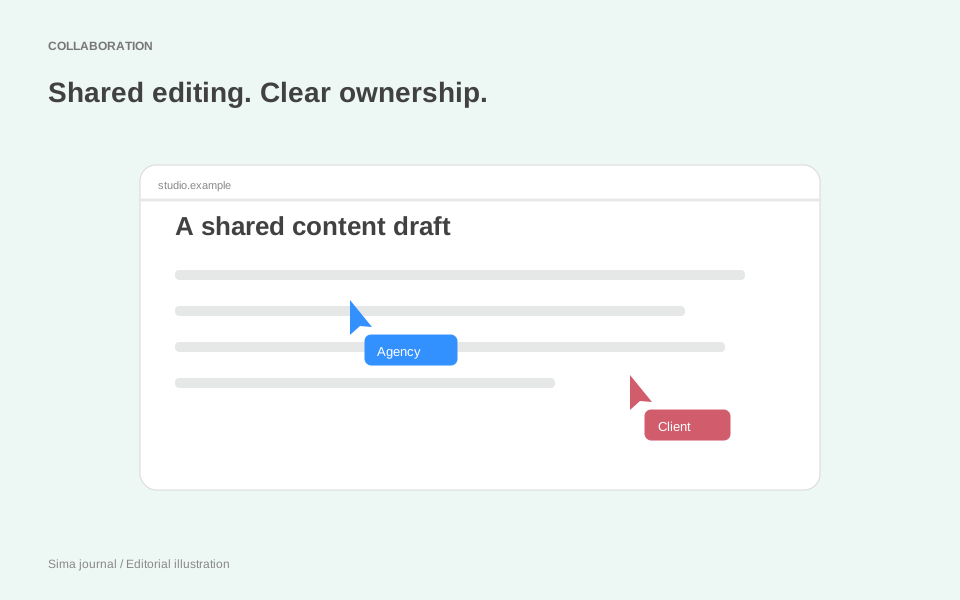
Framer’s 27 October 2026 CMS update gives those people a shared editing surface: collaborative editing with visible multiplayer cursors in formatted text fields, both in the CMS and on the canvas. Participants can see who is working and where. For agencies, the useful opportunity is to resolve a factual question while shaping the sentence it belongs in.
A smaller gap between expertise and wording
The scope matters. This is an update to formatted-text collaboration, rather than an announcement that every CMS field now behaves like a shared document. Canvas cursors also gained a more compact, higher-contrast appearance. The same release added website embeds and Vimeo to CMS formatted text, plus reference and multi-reference filters in the CMS view. Framer’s release note lists those changes separately.
An agency can use the text collaboration for a particular kind of meeting: two people who have different knowledge but authority to settle the draft. A broad stakeholder review still needs a way to reconcile competing opinions. Putting six cursors into a paragraph does not decide whose account is correct.
Work through the claim, then the paragraph
Consider a fictional agency preparing a case study about a manufacturer’s new trade-enquiry website. The agency writer and the client’s sales operations lead open the case study’s formatted body text. They set aside half an hour to check the account of the project, with the writer responsible for prose and the client lead responsible for operational accuracy.
The first draft says:
The new website automates trade orders, from the first enquiry through to fulfilment.
The client lead spots the problem immediately: the website collects enquiries; staff still confirm specifications and enter orders into another system. While the writer revises the opening, the client lead can work on the explanation of what happens after submission. Visible cursor positions help them coordinate which passage each is changing.
Their proposed replacement is more useful:
Trade customers can now send product requirements through one enquiry form. The sales team checks the specification before confirming an order.
That correction changes the story’s structure. An “Automating fulfilment” heading no longer fits. The writer renames the section around the enquiry handover, then brings the next paragraph into line. The client lead checks that the sequence matches the actual process. They finish by reading the whole section aloud, because individually accurate sentences can still imply more than the business delivers.
This is where a shared session earns its place. The subject expert sees how a factual correction affects the argument; the writer can ask the next question before the expert leaves. Neither needs to reconstruct the reasoning from a later list of disconnected edits.
Give a client access to the right project
The invitation is part of preparing that session. Framer distinguishes workspace members, who can access all projects in the workspace, from project members invited to particular projects. For a client reviewing one site, start with project membership and check that they have editing access: a free Viewer cannot change the copy.
On plans supporting advanced permissions, Content covers CMS and other content changes, while Design and Deploy are separate permissions. These are existing member and permission rules. Editing seats are generally billed, with exceptions, so check the client's existing seat and the project's plan and pricing before inviting them. The cursor update does not itself grant access.
Finish the session with something publishable
In the example, the team should leave with an agreed account of the enquiry process and a short note explaining why the automation claim changed. Any unsupported result—such as a claim that enquiries convert more often—stays out until someone supplies evidence. A participant being present in the editor is not their approval of every sentence.
Next, inspect the case study as a page. A revised heading may wrap awkwardly on mobile; a shorter explanation may leave a screenshot without enough context. The client website review guide covers that broader review. If the case study has translated editions, record the changed claim for the people maintaining them; our Framer localisation analysis examines that continuing editorial work.
Framer documents staging for Pro plans and above, and its publishing interface offers View Changes, a list of edits with the responsible users' profile images. Use that review before the release, including changes outside the paragraph just discussed. This is a publication check, not evidence of a complete sentence-by-sentence history. See Framer’s publishing guidance.
Live publication requires Deploy permission: with staging enabled, that controls promotion to the live site; without staging, it controls direct publishing. Agree who will make that decision under the project’s publishing permissions. The editorial payoff is a clearer, more accurate draft reached together. Its release still needs an accountable owner.
Source and scope
Based on Framer’s 27 October 2026 release and linked official guidance, checked on 8 November 2026. The release presents formatted-text collaboration as added, without a beta label or a stated rollout schedule. The case study and sample copy are illustrative; no product-account test or client session was conducted. The sources do not establish approval tracking or detailed concurrent-edit recovery guarantees.