Webflow Campaigns brings pages, ads and pipeline together
Sima editorial · 11 November 2026 · Analysis · Release announced 20 October 2026
Webflow Campaigns gives marketing teams a place to build landing pages, create matching ads and connect results to sales pipeline. Available for purchase since 20 October, it is a standalone product that runs independently of the main website. For an agency whose campaign work spans designers, developers and paid-media specialists, it brings several stages of delivery into one workspace. Webflow’s release announcement
For agencies, the opportunity extends beyond producing another page. Someone still has to decide what each audience should see, keep the promise consistent from ad to enquiry, and establish whether the resulting leads were worth acquiring.
A campaign layer beside the main website
Campaigns extracts a reusable brand system and uses a brief to generate pages and ads. Teams can edit the output visually and create variations for personas, industries or individual accounts, each with its own URL. Its launch integrations include HubSpot and Marketo forms, Google Ads Performance Max, and HubSpot or Salesforce for pipeline reporting. Product announcement
That is a meaningful distinction from adding another page template to a website project. A client can keep its established site and give a time-sensitive promotion its own working space. Webflow’s documentation explicitly supports using Campaigns alongside a main site on another platform. It also supports a custom domain for the campaign hub. Getting started with Campaigns
For agencies, this opens a smaller engagement than a migration or redesign. A team could take on a product launch while the corporate website remains under a different supplier’s care. The proposal would need to explain who maintains the campaign destination after launch, particularly when an offer expires or a product changes. A page outside the main site’s release cycle still needs an owner.
One offer, two reasons to care
Consider a hypothetical software client promoting a webinar on reducing warehouse delays. It wants to reach both operations directors and finance leaders. The underlying event is the same, but the reason to attend differs.
For operations, the strongest promise might be identifying where orders get stuck. For finance, it might be understanding the working capital tied up in slow fulfilment. An agency could develop a base campaign with shared event details, speakers and registration, then give each audience a distinct opening argument and relevant supporting evidence.
The discipline comes before generation. The agency needs to decide which claims the webinar actually supports. If the speaker will explain operational bottlenecks but has no material on working capital, a polished finance variation would advertise the wrong event. That problem will survive any amount of visual consistency.
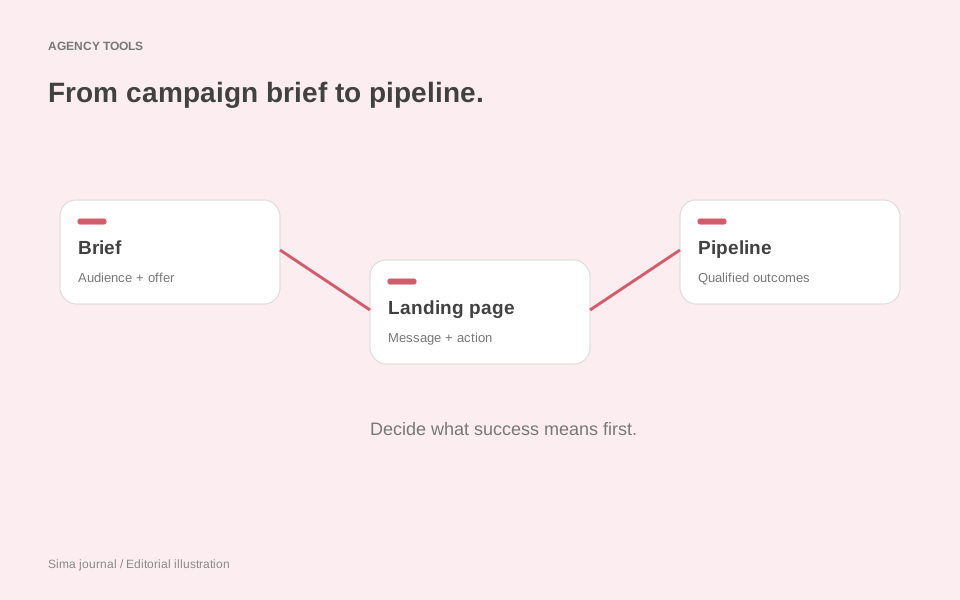
A useful brief would therefore connect four things: the audience’s problem, the promise in the ad, the evidence on the page and the next action. For the operations audience, an ad about late orders should arrive at a page that immediately explains how the session addresses late orders. A generic efficiency headline would break that connection even if the colours and typography matched perfectly.
The separate variation URLs give the agency a way to direct each ad or email to the relevant argument. Keep that destination map in the campaign brief. It becomes particularly valuable when someone changes a link midway through a promotion, or when the client later asks why one audience produced better enquiries.
The launch details that deserve agency attention
Two documented behaviours matter here: Campaigns tracking is off by default, and variations publish separately from the base page. Its guide also describes staging publication for previews. These are concrete release tasks to include in delivery, rather than assumptions to discover after traffic arrives. Campaigns setup and publishing guidance
For the warehouse webinar, the agency should preview both audience routes, follow each registration path and confirm that the client’s marketing team receives the expected record. It should also agree how campaign and audience information will be retained through the client’s existing form and CRM setup. A useful acceptance test ends with the receiving team able to identify and act on the enquiry.
Measurement needs the same care. More registrations from finance leaders would not, by itself, establish that the finance message was better. Different media spend, targeting or traffic quality could explain the difference. Use the first report to describe what happened and identify the next decision. If the agency wants to isolate a message change, design that as an experiment; our analysis of Framer Convert’s agent support explores that distinction.
Sell the decision-making around the page
Campaigns suggests a practical service package: an audience and offer workshop, a small set of coherent campaign routes, integration and launch work, then a review tied to the client’s sales process. That is a clearer proposition than an open-ended promise to generate more variations.
It also changes the handover conversation. Give the client the campaign logic as well as the assets: why each variation exists, where its traffic comes from, who follows up and when the offer should be reviewed. If the client takes over daily editing, that record helps preserve the reasoning behind the work.
The ongoing agency role can then be specific. Perhaps registrations are healthy but sales rejects the enquiries; perhaps one audience needs a different offer; perhaps the form asks for information the client never uses. Those are useful problems to bring to a monthly meeting. Our coverage of Webflow’s MCP reporting update looks at how retrieved site data can support that conversation.
Campaigns makes a compact campaign engagement plausible without a wider website rebuild. The strongest agency offer will connect the creative work to what the client needs to learn and what its team will do with the response.
Sources and scope
This is analysis of Webflow’s linked announcement and setup documentation, reviewed on 8 November 2026. The warehouse campaign is an illustrative scenario, not a tested campaign or reported client result.