Keep the client review with the work.
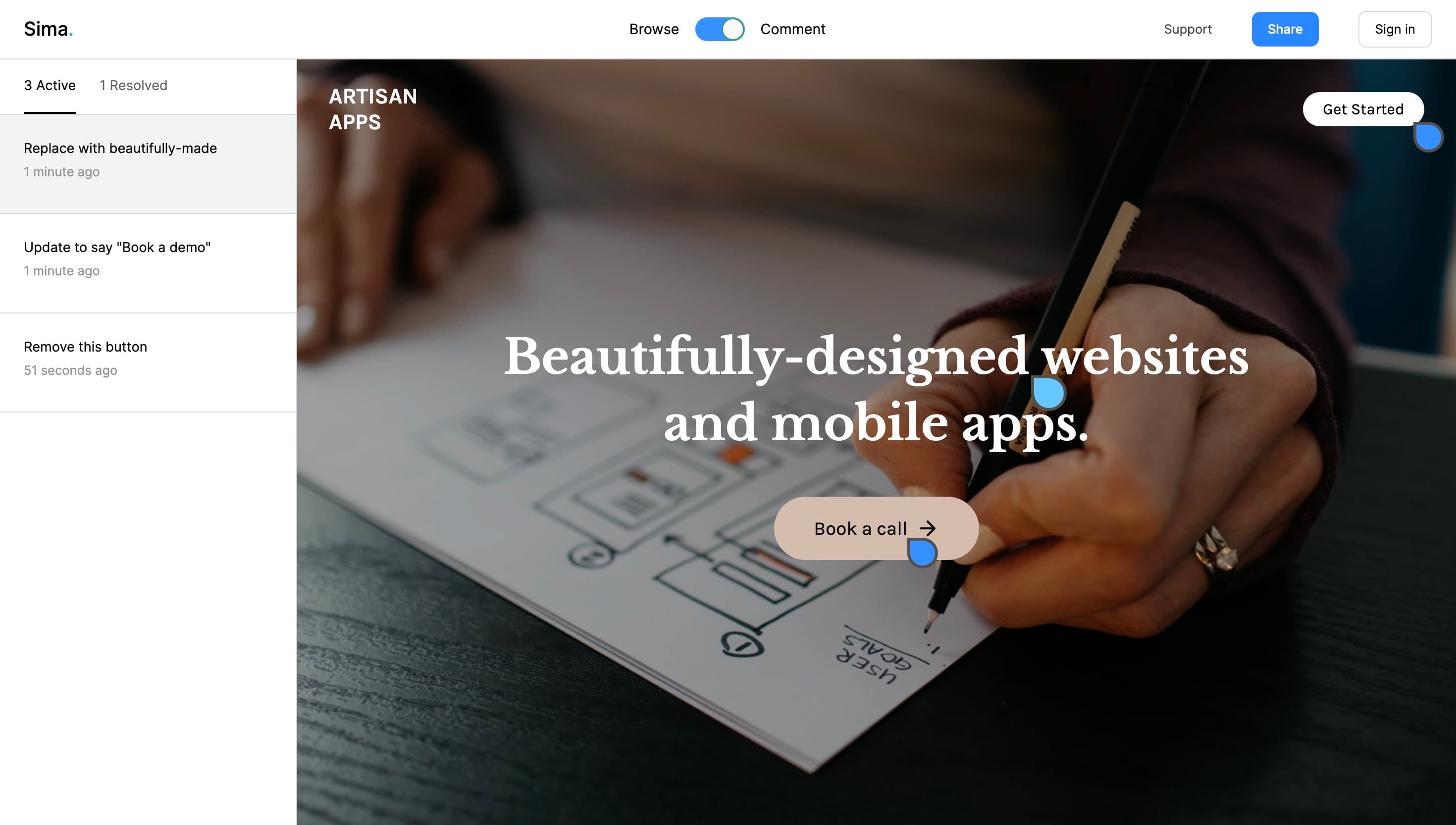
Start a review with a public website URL and give clients one link for pinned comments and replies. Your team can prioritise feedback, resolve threads and see who has finished reviewing.
Sima Pro
$29 a month per workspace
Up to 50 team members. No per-seat fees. Unlimited guest reviewers.
MarkUp.io Pro starts at $79/month and includes unlimited users.
Review your next website with Sima. Pin changes to the page, share a link clients can use without an account, and track which comments are ready to resolve.
Website reviews and guest links are available on the Free plan. See plans and pricing
| Your workflow | Sima | MarkUp.io |
|---|---|---|
| Published monthly rate | Pro · $29/month per workspaceUp to 50 team members with no per-seat fees. | Pro · From $79/month for 50 MarkUps per month |
| Review formats | Websites and uploaded PNG, JPEG and WebP images. Image projects require Pro or an active trial. | Websites, images, PDFs, videos and other supported formats. |
| Guest access | Open a review link and enter a name to comment or reply. | Open a shared MarkUp and enter a name and email to comment as a guest. |
| Feedback | Pin a comment, add attachments and keep replies in the thread. | Pin and draw on content, including comments at specific video timestamps. |
| Follow-up | Set project status, filter feedback and let teammates mark their review finished. | Keep contextual comment threads with the shared MarkUp. |
Website comments can include a reconstructed screenshot when the page supports it. Image reviews use the uploaded design itself.
Start a review with a public website URL and give clients one link for pinned comments and replies. Your team can prioritise feedback, resolve threads and see who has finished reviewing.
MarkUp.io covers websites, images, PDFs and video. It offers drawing tools, video timestamp comments and guest reviews.
If your workflow spans websites, videos and documents, that broader format support may suit your team.
Open a public website and place your first comment. Create a free workspace when you’re ready to share a review with a client.
Loading the demo form…
No account needed to try the demo.
Guests enter a name and email to comment. MarkUp.io uses the email for notifications without creating an account.
Use the Free plan for website feedback and guest review links. Choose Pro or an active 14-day Pro trial for image reviews and on-site feedback via WordPress, Webflow or a site script. See current Sima plans.
Start a new website or image project in Sima and share the new review link. Export or keep a copy of any feedback you need from MarkUp.io before switching. Existing comments aren’t imported automatically.
Create a workspace, add a website and share a review link so clients can pin their feedback.