Keep the client review with the work.
Choose Sima when you want clients to review a website or image project through a simple share link and your team to resolve the feedback in place.
Sima Pro
$29 a month per workspace
Up to 50 team members. No per-seat fees. Unlimited guest reviewers.
Webvizio advertises Starter at $28/month for five users. Check its pricing for billing terms.
Sima and Webvizio both support reviews that start with a website URL. Sima keeps discussions and review progress with the page. Webvizio gives teams task assignment and lets them add different assets to a project.
Website reviews and guest links are available on the Free plan. See plans and pricing
| Your workflow | Sima | Webvizio |
|---|---|---|
| Published monthly rate | Pro · $29/month per workspaceUp to 50 team members with no per-seat fees. | Advertised rates · Solo $8/month; Starter with guest access $28/month. Check billing term and offers. |
| Start a website review | Enter a supported public URL and share the project review link. | Create a project from a website URL or use the Chrome extension on a page you can access. |
| Design files | Review uploaded PNG, JPEG and WebP images with Pro or an active trial. | Review images, Figma files and PDFs. PDFs use a separate project. |
| Guest access | Guests can comment and reply from a review link without signing up. | Webvizio offers guest access without registration and separate client roles. |
| Follow-up | Track review status and completion, filter by priority and resolve discussions. | Assign tasks, set deadlines and track task status. |
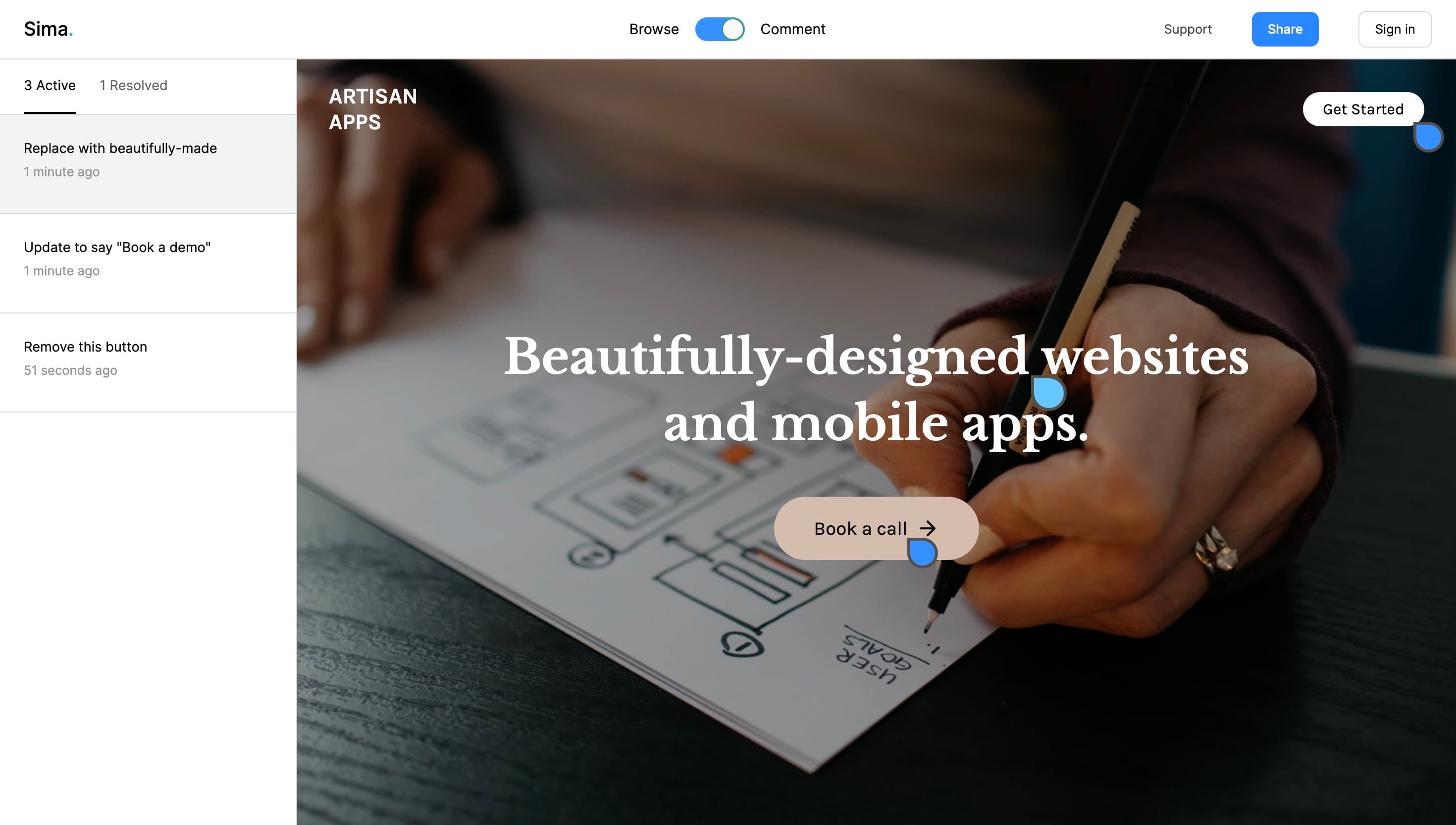
Website comments can include a reconstructed screenshot when the page supports it. Image reviews use the uploaded design itself.
Choose Sima when you want clients to review a website or image project through a simple share link and your team to resolve the feedback in place.
Webvizio supports website and design review, task assignees, priorities and deadlines. Its Chrome extension lets teams report from pages they can access after signing in.
Consider Webvizio when tasks need assignees and deadlines or your team needs extension-based review of password-protected pages.
Open a public website and place your first comment. Create a free workspace when you’re ready to share a review with a client.
Loading the demo form…
No account needed to try the demo.
Webvizio documents using its Chrome extension to review password-protected pages after you have signed into the source site.
Use the Free plan for website feedback and guest review links. Choose Pro or an active 14-day Pro trial for image reviews and on-site feedback via WordPress, Webflow or a site script. See current Sima plans.
Start a new website or image project in Sima and share the new review link. Export or keep a copy of any feedback you need from Webvizio before switching. Existing comments aren’t imported automatically.
Create a workspace, add a website and share a review link so clients can pin their feedback.